A browser-based POSwith nothing to install
A browser-based point of sale is a website you sign in to, rather than software tied to one machine. Your products and sales are stored in your account, not on the device.
The devices you already own
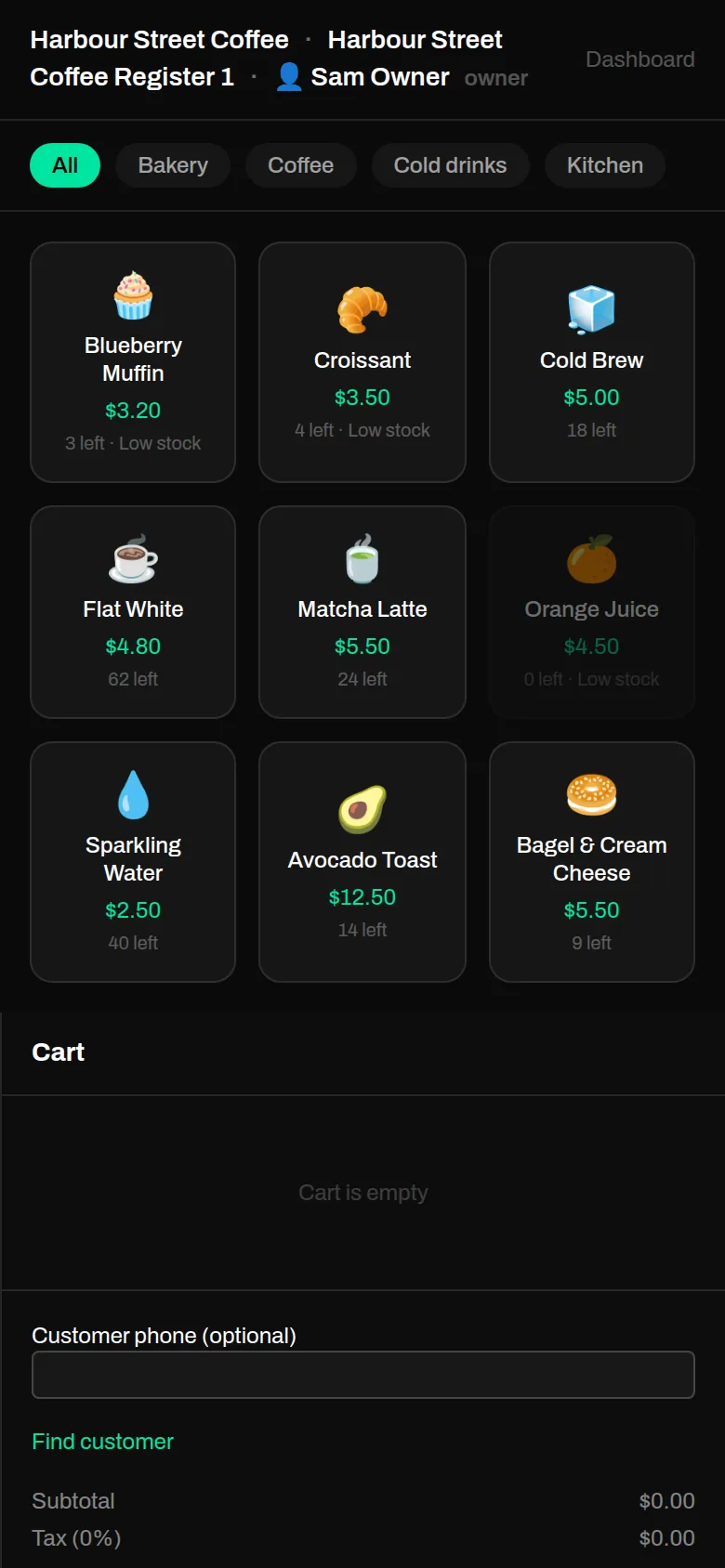
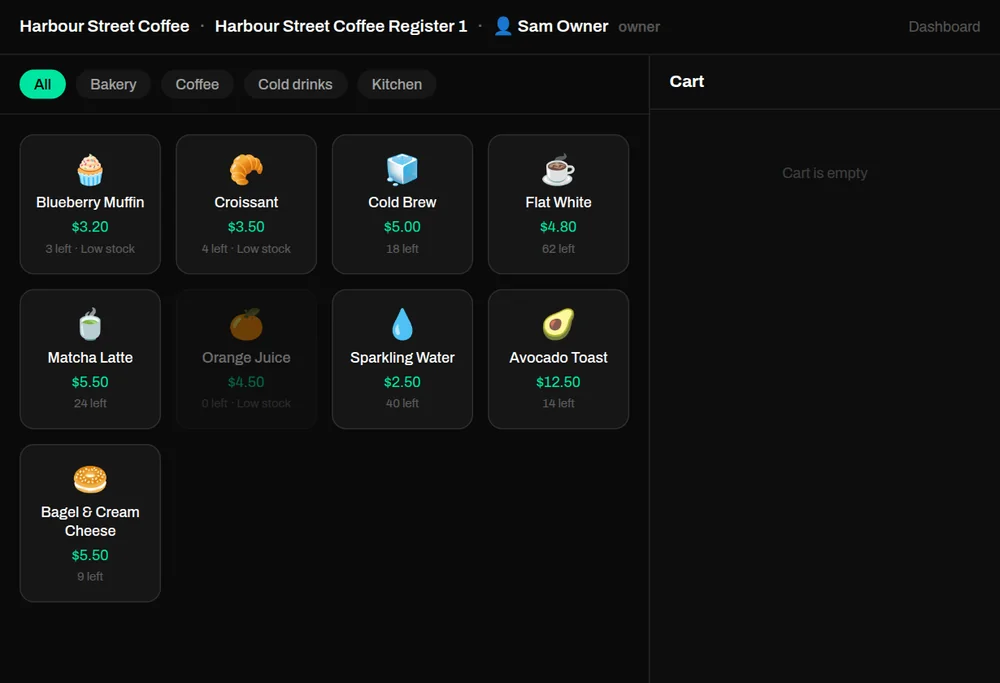
You don’t need a dedicated POS terminal. Open Spike POS in a current web browser on a tablet, laptop or desktop, and sign in. A tablet on the counter is the most natural fit, because the tiles are large enough to tap all day.
A phone works too. The register stacks into a single column, with the products above the cart, which is handy at a market stall or for a quick check, though there’s more scrolling on a busy shift.
Change devices by signing in on the new one. There’s nothing to copy across. Open screens on Pro also share live stock counts for that store.
What you still need
- An internet connection
- Login and a fresh register load need internet. Current operations code can queue simple cash sales from an already-loaded register, but production availability is unverified. Pending sales need manual sync and API acceptance; keep a backup connection.
- A way to take payment
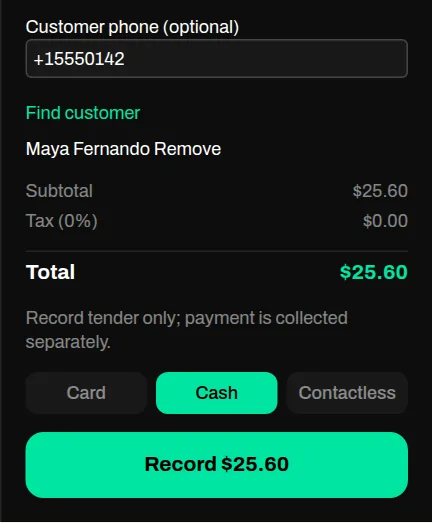
- Spike POS records card, cash or contactless against each sale. It doesn’t process payments or connect to a card reader, so you need your own terminal or provider for cards and wallets, and Spike POS takes no cut of your sales.
- A printer, if you want paper receipts
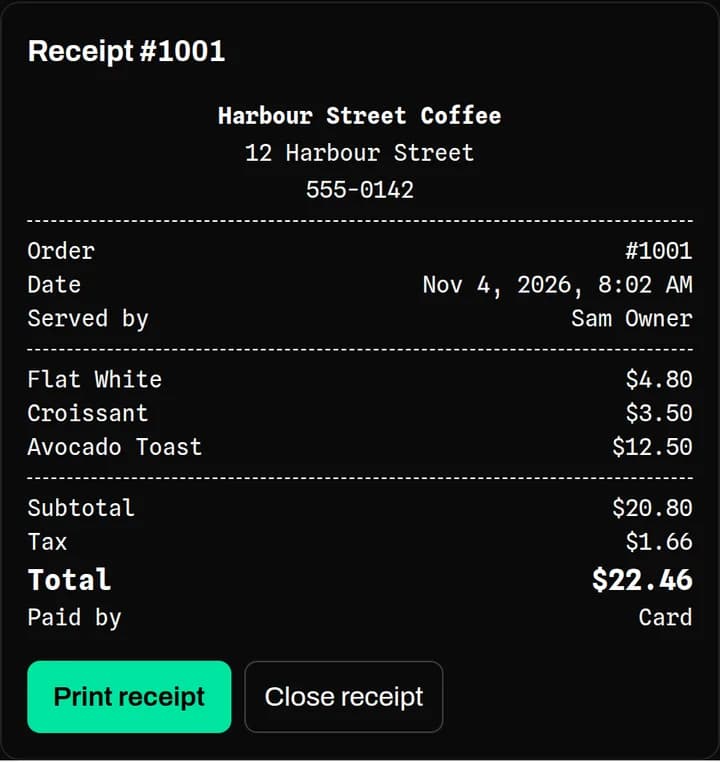
- Receipts print through your browser’s print dialog, so any printer your device can already use will work. The layout is made for 80 mm receipt rolls. A thermal printer needs its own driver and an 80 mm paper size set up on the device, and the browser asks you to confirm each print.
Before you rely on it
- Invitations
- You can invite staff from the app, but it creates a private link for you to send yourself. Spike POS doesn't email it for you.
- Emailed receipts
- Receipts can be printed but not emailed to customers yet.
- Other hardware
- No direct cash-drawer control is claimed. Current register code supports scanners that type a barcode followed by Enter; confirm account availability and test your hardware.
- Integrations
- There are no ready-made connections to accounting, ecommerce or delivery services. Pro can export the product catalogue as CSV.
Questions before you start
Can I start a register without internet?
A fresh page load and login require connectivity. There is no offline startup guarantee.
Does browser printing bypass the print dialog?
No. Standard receipt printing uses the browser print dialog and requires a printer configured on your device.