Inventory managementbuilt into your register
On the Pro plan, each recorded sale takes stock off the count straight away, on every screen open at that store. You see what's running low while you can still reorder.
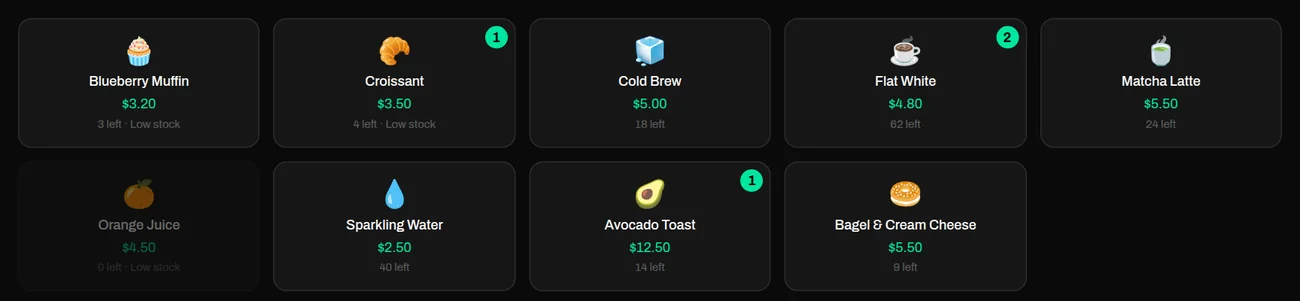
What happens to a count, from sale to zero
- At the sale
- Recording a sale takes the units off that store’s count. Another register or a laptop in the back office updates without a refresh.
- At the low-stock level
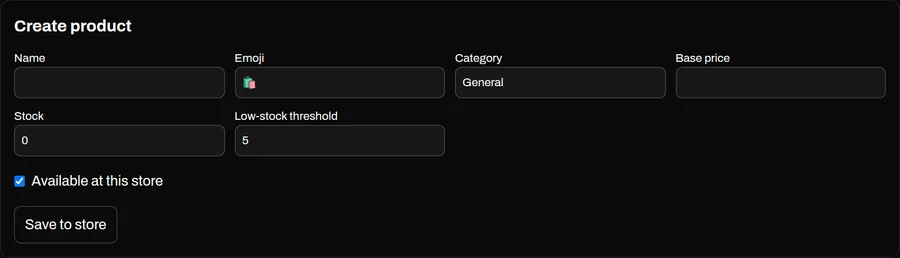
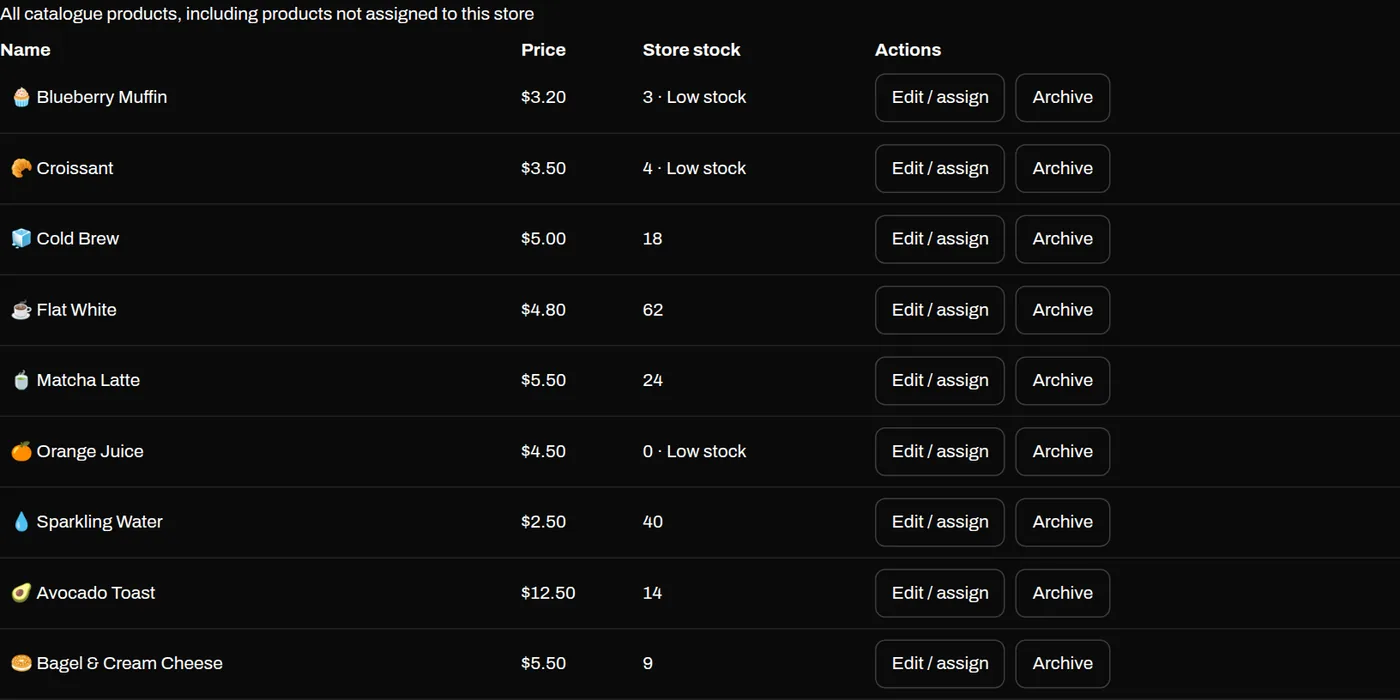
- The tile and your product list both say “Low stock”. The level starts at five and can be changed for each product.
- At zero
- The tile greys out and can’t be added to an order, and a cart can’t hold more units than you have left.
- When a delivery arrives
- Open the product in Shop management and enter the new stock count. Counts are kept per store, not across your whole business.
Bring your catalogue in by CSV
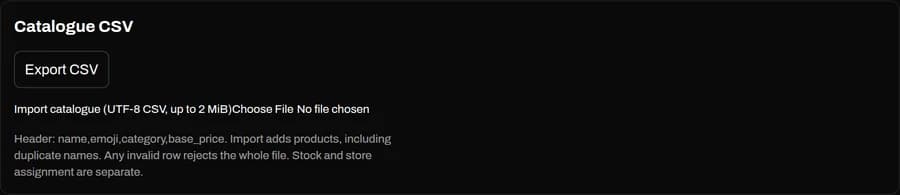
Pro accounts can upload a UTF-8 CSV of up to 2 MiB with four columns: name, emoji, category and base price. Any problem is reported by row number and nothing is imported until the whole file is clean.
Import adds products to your catalogue, including duplicates, rather than updating ones you already have. Imported products then need assigning to a store. You can export the catalogue to CSV at any time.
Inventory is a Pro feature
On Starter, stock is untracked. Products stay available to sell and tiles say “Stock untracked”, so you won’t get low-stock flags or live counts until you move to Pro.
Pro is $18 a month, or $14.40 a month billed annually. Upgrade from your account through Gumroad. Until then, email sales@spikepos.com to ask about Pro.
Check these stock-control boundaries
- Purchasing
- The current operations code includes suppliers, purchase orders and stock receiving, but production availability is unverified. Confirm the matching release and account access before replacing your delivery records.
- Stock takes
- The current operations code includes stock movement history and adjustment reasons, but production availability is unverified. Keep count sheets and confirm the deployed adjustment workflow.
- Transfers
- Stock can't be moved between locations. Each store keeps its own separate count.
- Alerts
- Low-stock flags appear on screen. Spike POS doesn't send them by email or text.
Questions before you start
Does Starter track stock?
No. Stock is untracked on Starter. Pro supports live stock counts and low-stock flags.
Does stock tracking include ingredient recipes?
No ingredient depletion, expiry tracking or recipe-based stock conversion is claimed.