By Spike POS · Published · Updated
How to Choose a POS System for a Coffee Shop
Test a coffee shop POS against queue speed, drink options, receipts, loyalty, connectivity and the difference between counter service and full service.
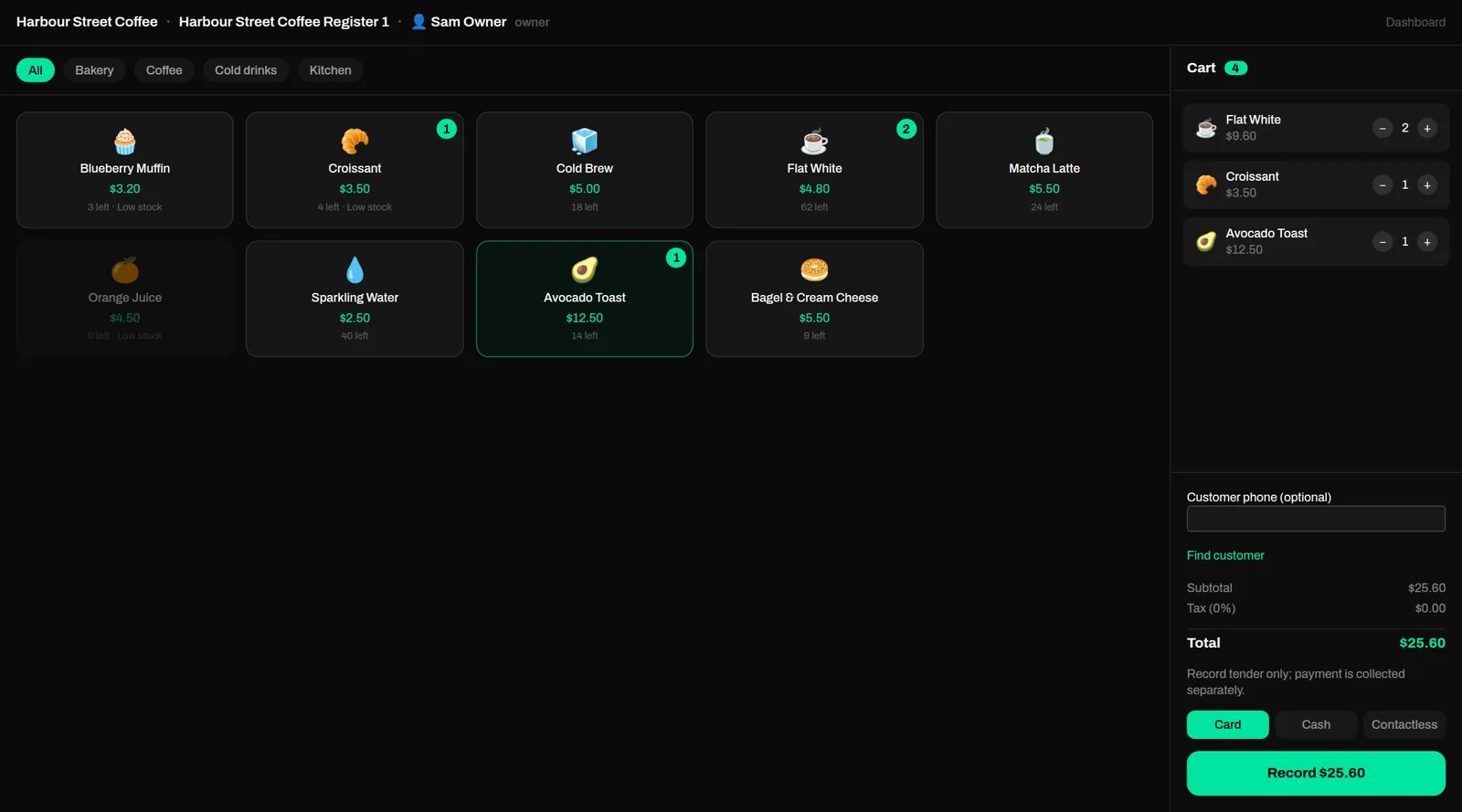
Describe the service you actually run
A takeaway coffee counter, a bakery café and a table-service restaurant have different requirements. Write down where the order is taken, where payment happens and how the barista learns what to prepare.
Test the busiest common order: several drinks, a food item and a changed quantity. A visually attractive grid is useful only if staff can complete that order accurately without losing track of the customer.
Check options and preparation workflows explicitly
List your real drink options, such as sizes, milk choices and extra shots. Confirm that the deployed product supports the price and preparation detail you need; a separate product for every combination can quickly exhaust a small catalogue.
Current Spike POS operations code includes priced café options, held orders, preparation status and browser-printed kitchen tickets. Their production availability is unverified. It does not establish a full kitchen display, ingredient recipes, split bills or full-service restaurant coverage.
Test devices, payment and connectivity
Run a test on the actual counter tablet or laptop. Check glare, touch targets and receipt readability. Take payments through your separate terminal; tender labels in Spike POS do not charge cards.
Ask what happens when internet drops during an order and when a new tab is opened without connectivity. Do not accept “offline” as a complete answer. Startup, queued cash transactions, stock confirmation and receipt availability are separate behaviors.
- Try a typical rush-hour basket with a staff member.
- Print a customer receipt from the actual printer.
- Check access controls and your closing cash procedure.
- Confirm the deployed handling of options and disconnected transactions.
Choose the smallest plan that meets the test
Spike POS Starter offers one register and up to 50 products, making it a way to evaluate a small menu. Pro adds loyalty, stock tracking and fuller reporting; confirm upgrade availability before planning around those features.
Loyalty can help staff recognize regulars, but define the earning and redemption rules before advertising rewards. Stock counts of finished products are not ingredient depletion, and sales revenue is not a profit calculation.